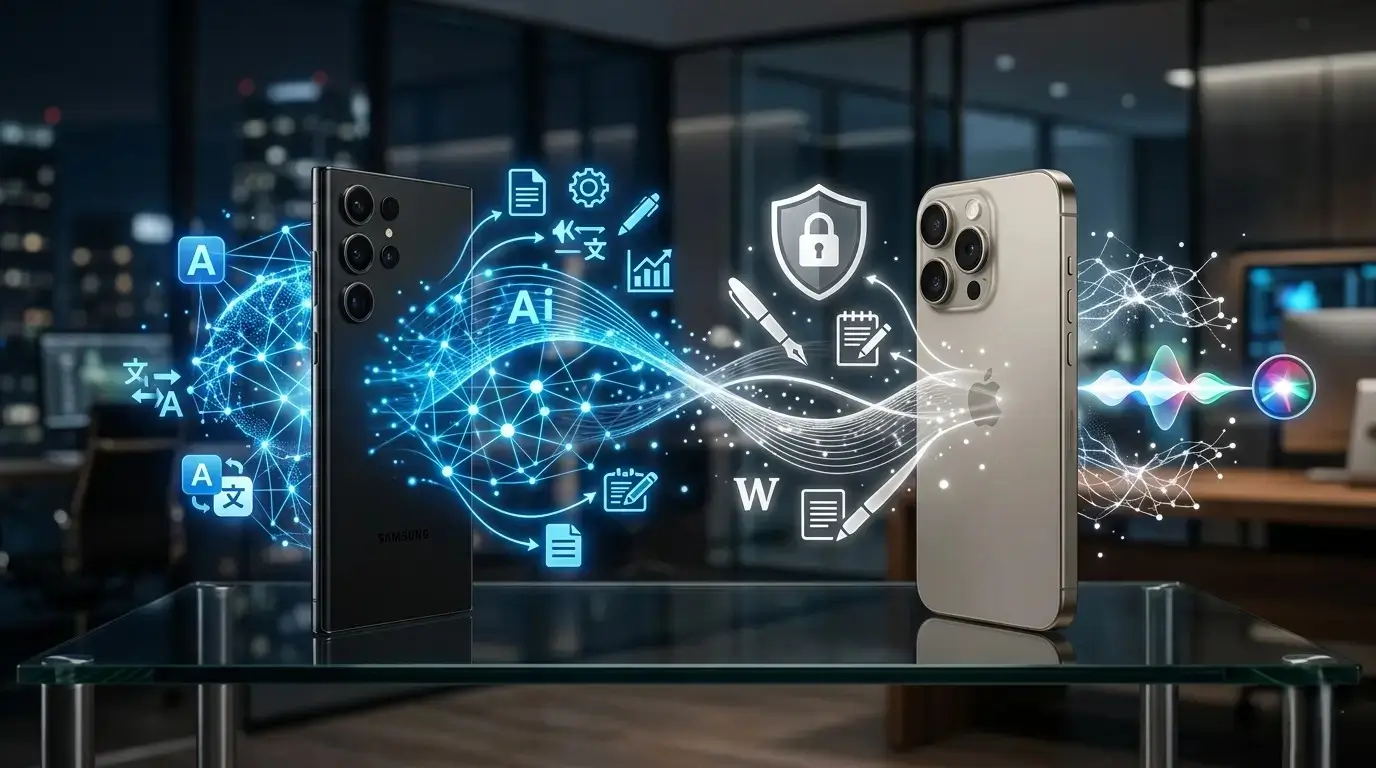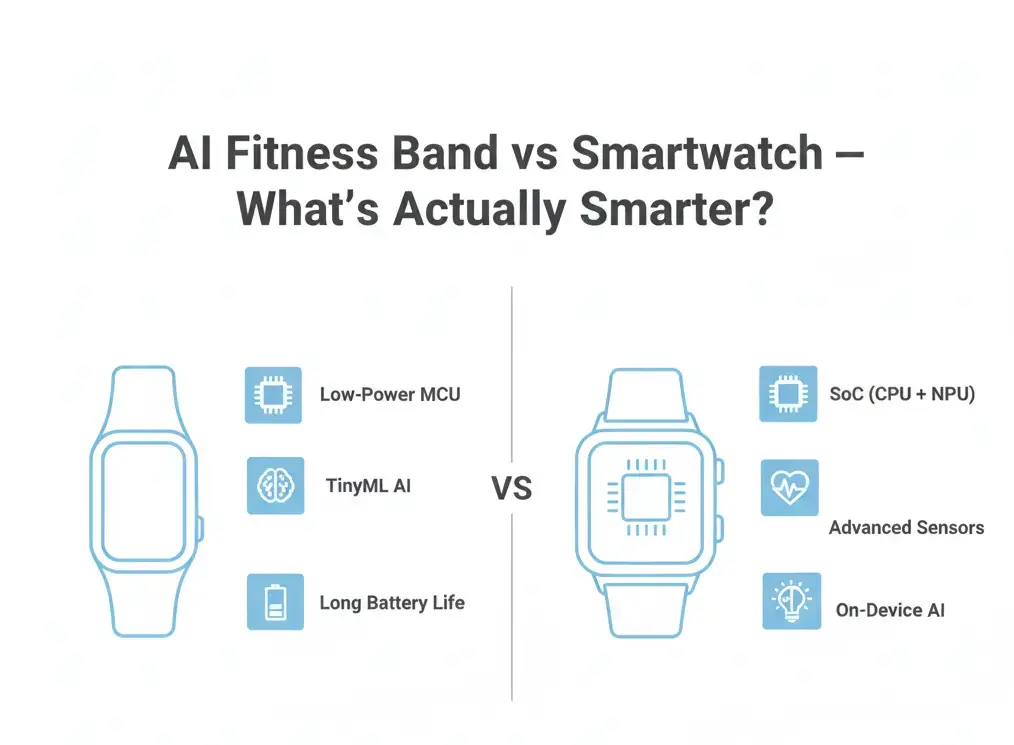

On-device AI vs cloud AI refers to where artificial intelligence processing happens inside modern gadgets. On-device AI runs directly on your phone, laptop, smartwatch, or earbuds, offering faster performance, better privacy, and offline functionality. Cloud AI processes data on remote servers, enabling more complex AI tasks like advanced assistants, content generation, and large-scale analysis. In 2026, most devices use a hybrid approach — combining local speed with cloud power — to balance performance, privacy, and capability.
Table of Contents
Quick Facts: On-Device AI vs Cloud AI
- What it compares: Where AI processing happens in modern gadgets
- On-device AI runs: Inside your phone, laptop, watch, earbuds, or camera
- Cloud AI runs: On remote servers and data centers
- Main goal of on-device AI: Speed, privacy, and offline functionality
- Main goal of cloud AI: Handle complex, large-scale AI tasks
- Examples of on-device AI: Face unlock, camera processing, offline voice commands, battery optimization
- Examples of cloud AI: AI writing tools, image generation, large voice assistants, smart recommendations
- Biggest benefit of on-device AI: Data stays on your device
- Biggest benefit of cloud AI: More powerful AI models
- How most devices work in 2026: Hybrid system (local + cloud AI together)
Whether you’re buying a smartphone, laptop, or wearable, understanding where AI runs is becoming just as important as knowing what AI features a device offers. On-device AI vs cloud AI is becoming one of the most important differences shaping how modern gadgets work in 2026. Smartphones, earbuds, laptops, watches, and even home devices now rely on AI to power everyday features, yet most users don’t realize that these features don’t all work in the same way.
Every time your phone unlocks your face, improves a photo, or transcribes your voice, AI is working behind the scenes.
In 2026, the answer matters more than ever. Privacy has become a bigger concern, internet access isn’t always reliable, and today’s hardware is powerful enough to run more AI directly on the device. This has brought two approaches into focus: on-device AI and cloud-based AI. As AI becomes a bigger part of everyday devices, understanding where AI runs helps explain why some features are faster, more private, or continue working even without an internet connection.
While comparing recent AI phones and laptops, I noticed that features like face unlock, photo enhancement, and live transcription continued to work even without an internet connection, whereas AI chat and image generation stopped. That simple difference made it clear that understanding where AI runs is just as important as understanding what AI can do.
Want to see which devices support more on-device AI features? Explore AI phones, laptops, tablets, and wearables in the Giznova AI Explorer and compare how they handle AI tasks.
Understanding On-Device AI vs Cloud AI in Simple Terms
Exploring On-device AI vs Cloud AI
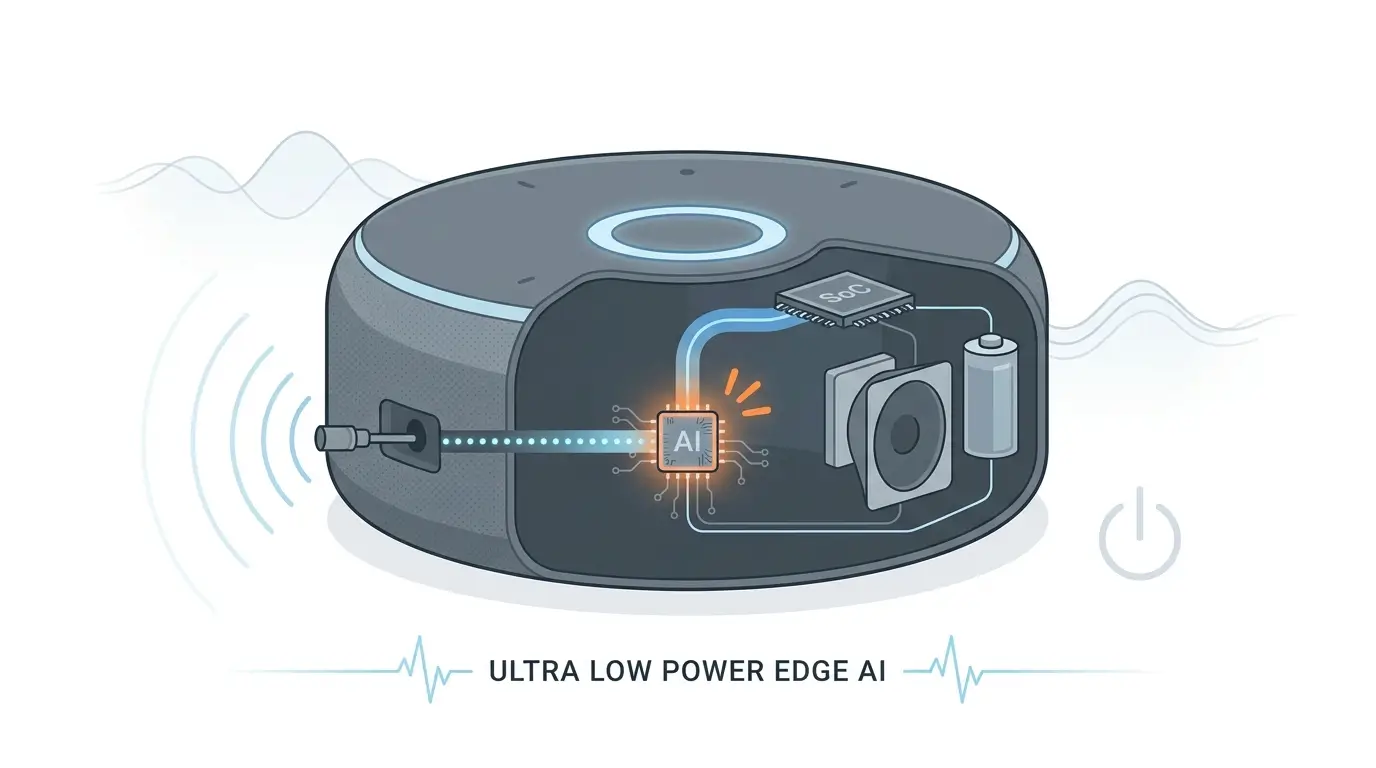
On-device AI refers to artificial intelligence processing that happens directly inside your gadget. Instead of sending data to a remote server, the device handles everything using its own processor or a dedicated AI chip.
This approach doesn’t require an internet connection and is designed for speed and privacy.
Common examples of on-device AI:
- Face and fingerprint unlocking
- Real-time photo and video enhancement
- Offline voice commands
- Text recognition from images
- Live translation without internet
Because all processing happens locally, the response feels immediate. There’s no waiting for data to travel back and forth, and personal information stays on the device.
In daily use, this makes technology feel more responsive and predictable.
What Is Cloud AI and Why It Still Matters

Cloud-based AI works differently. When you use a feature powered by cloud AI, your device sends data to powerful remote servers. These servers process the request using large AI models and send the result back to your device.
Cloud AI is typically used for:
- Advanced voice assistants
- AI writing and summarization tools
- Image and video generation
- Smart recommendations
- Large-scale data analysis
The biggest advantage of cloud AI is power. Cloud servers can run massive AI models that are far beyond what a phone or wearable can currently handle on its own.
However, this approach depends on:
- A stable internet connection
- Server availability
- Company data policies
That dependency introduces trade-offs that users often notice in real life.
Speed and Responsiveness: Why On-Device AI Feels Better

On paper, cloud AI can be extremely fast. In practice, on-device AI usually feels faster.
This isn’t about benchmarks—it’s about experience. In everyday use, this difference is most noticeable when you’re travelling, in areas with poor network coverage, or using airplane mode. Local AI features continue working, while cloud-based features may slow down or stop entirely.
A small real-life example makes this clear:
Face unlock works instantly even when your phone is in airplane mode or in a parking basement with no signal. That responsiveness comes from on-device AI.
Cloud AI features, on the other hand, can feel slower when:
- Internet speed drops
- Network coverage is weak
- Servers are overloaded
This is why features that users rely on dozens of times per day—like unlocking, camera processing, and battery management—are increasingly handled locally.
Battery Life and Efficiency: A Hidden Benefit
Battery optimization is another area where on-device AI plays a quiet but important role.
Modern devices use AI to:
- Learn usage patterns
- Predict charging habits
- Limit background activity
- Optimize power consumption
Because this processing happens locally, it consumes less energy than constantly sending data to the cloud. Over time, this improves not just daily battery life, but also long-term battery health.
Cloud AI, while powerful, requires data transmission, which can increase energy usage—especially during frequent interactions. This kind of local power optimization is also used in AI-powered smartwatches that learn user habits to improve battery life and health tracking.
Privacy in 2026: Why Users Care More Than Ever

Privacy is no longer a niche concern. In 2026, it’s part of mainstream tech conversations.
I’ve also found that many people assume every AI feature sends data to the cloud. In reality, many modern AI phones process common tasks locally, which means personal data often never leaves the device. Cloud AI requires trust. While many companies handle data responsibly, users often don’t know exactly how their information is processed or stored.
In my opinion, on-device AI is one of the most meaningful improvements in modern gadgets—not because it’s exciting, but because it quietly reduces the amount of personal data that leaves your device. This privacy-first design is also driving the rise of local AI gadgets that keep data on the device instead of sending it to remote servers.
Limitations of On-Device AI (Yes, They Exist)

Despite its benefits, on-device AI isn’t perfect.
Limitations include:
- Smaller AI models
- Limited memory and processing power
- Slower updates compared to cloud systems
Some tasks—like generating high-quality images or understanding complex language at scale—still require cloud-based processing.
This is why on-device AI doesn’t replace cloud AI. Instead, it complements it.
The Hybrid AI Approach: Best of Both Worlds
Most modern gadgets in 2026 use a hybrid AI model.
Here’s how it works:
- On-device AI handles speed, privacy, and everyday tasks
- Cloud AI handles heavy computation and advanced features
Users rarely notice this division, and that’s the point. The best technology works invisibly, choosing the right tool for each task.
This balance allows devices to feel fast and private while still offering powerful AI features when needed. Different AI platforms use hybrid AI differently. Explore Apple Intelligence, Galaxy AI, Gemini, Copilot+, and other AI platforms to see how they combine on-device and cloud AI.
How Popular AI Platforms Use On-Device and Cloud AI
Although every company talks about AI differently, most modern AI platforms follow the same principle: run everyday tasks on the device whenever possible and use the cloud only for more demanding requests.
Here’s how some of the most widely used AI platforms approach this balance:
| AI Platform | On-Device AI | Cloud AI |
|---|---|---|
| Apple Intelligence | Writing Tools, photo processing, Siri requests (when possible), notification summaries | Private Cloud Compute for larger or more complex requests |
| Galaxy AI | Live Translate, camera AI, Note Assist, on-device language processing (supported features) | Generative photo editing, advanced AI services, cloud-powered features |
| Google Gemini | Pixel Recorder summaries, Call Screen, selected Pixel AI features | Gemini chat, image generation, advanced reasoning |
| Microsoft Copilot+ PCs | Windows Studio Effects, Recall, Click to Do, NPU-accelerated AI features | Copilot conversations and Microsoft cloud AI services |
The exact balance differs from one platform to another, but the overall direction is clear. Instead of relying entirely on the cloud, modern AI devices increasingly perform common tasks locally for better speed, improved privacy, and offline reliability, while still using cloud AI when larger models or more computing power are needed.
What This Means When You Buy a Gadget in 2026
Understanding where AI runs helps you make smarter buying decisions. This shift is especially visible in AI wearables that reduce screen dependence by handling tasks quietly in the background.
One mistake buyers often make is assuming every “AI Phone” offers the same experience. During device comparisons, I’ve found that two phones can advertise similar AI features but behave very differently in everyday use because one relies more on on-device AI while the other depends on cloud processing. If privacy, speed, or offline reliability matter to you, checking where the AI runs is just as important as checking the feature list.
If you’re comparing AI devices, don’t just look at the advertised features. Compare which AI capabilities run on-device, which depend on the cloud, and how different platforms approach AI in the Giznova AI Explorer.
Then on-device AI should be a priority.
If you use:
- AI writing tools
- Advanced creative features
- Large-scale AI assistants
Then cloud AI still plays an important role.
The best gadgets don’t force a choice—they manage both seamlessly.
Why This Shift Matters for the Future
As chips become more powerful, more AI processing will move closer to the user. This trend is already visible in smartphones, laptops, and wearables.
Over time, this will lead to:
- Faster devices
- More private AI interactions
- Less dependence on constant connectivity
The future of AI isn’t louder or more flashy. It’s quieter, more personal, and more reliable.
Final Thoughts
In practical terms, the choice between on-device AI vs cloud AI defines how much control, privacy, and reliability users experience in everyday gadgets. On-device AI and cloud AI are not competitors. They are two sides of the same system, each solving different problems.
Understanding the difference won’t change how you use your gadget tomorrow. But it does explain why some devices feel more dependable, responsive, and trustworthy than others—even when the specs look similar.
In 2026, that difference matters more than ever. As AI becomes a bigger part of everyday devices, understanding where AI runs is becoming just as important as knowing what AI features a device offers. It’s a simple detail that can have a big impact on speed, privacy, and reliability.
Frequently Asked Questions
What is the main difference between on-device AI and cloud AI?
On-device AI processes data directly inside your gadget using built-in chips, while cloud AI sends data to remote servers for processing. The difference affects speed, privacy, and internet dependency.
Does on-device AI work without internet?
Yes. On-device AI is designed to run locally, so features like face unlock, offline voice commands, and camera processing work even without a network connection.
Is on-device AI safer for privacy?
Generally, yes. Since data stays on the device, there is less exposure to external servers. Cloud AI requires transmitting data over the internet, which involves more privacy considerations.
Why can’t all AI run on the device?
Devices have limited memory and processing power. Very large AI models used for tasks like image generation, complex language understanding, or advanced assistants still require cloud servers.
Which is faster: on-device AI or cloud AI?
For everyday actions like unlocking your phone or enhancing photos, on-device AI usually feels faster because there is no network delay. Cloud AI speed depends on internet and server conditions.
Do modern gadgets use both?
Yes. Most 2026 devices use a hybrid model. Local AI handles quick and private tasks, while cloud AI supports heavy processing when needed.
Will more AI move on-device in the future?
Yes. As chips become more powerful and efficient, more AI processing is shifting to devices to improve privacy, speed, and reliability.