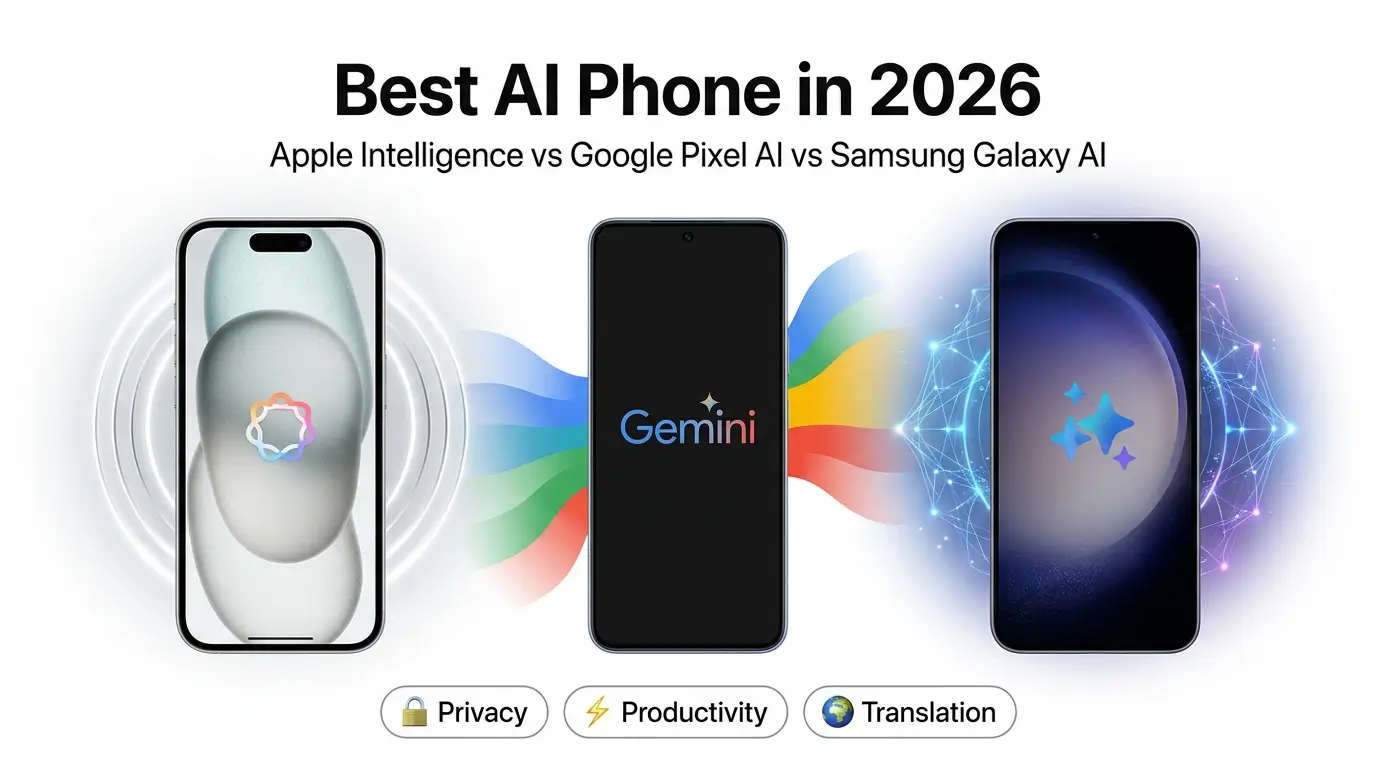
Short answer: Pick the AI ecosystem that matches how you already work and communicate. Apple emphasizes private, tightly integrated features across iPhone, iPad, and Mac; Google’s Pixel line leans into everyday productivity with Gemini; Samsung offers the broadest on‑device toolset and strong multilingual features. Availability varies by country and language—always confirm on official pages before you buy.
How to read this guide
This is an editorial buyer’s guide that synthesizes vendor documentation, public product pages, and hands‑on usage on recent devices across 2024–2026. It is not a lab benchmark. Where a claim depends on region, model, or OS version, we link to primary sources and/or clearly note that availability may vary.
Quick verdict (by priority)
- If you live in Apple’s ecosystem and care most about privacy and seamless integration across iPhone + Mac + iPad: Apple Intelligence.
- If you want the strongest everyday productivity helpers (summaries, call features, search) and you rely on Gmail/Docs/Calendar/Drive: Google Pixel AI.
- If you want the widest on‑device toolbox and multilingual features like real‑time translation and strong photo editing: Samsung Galaxy AI.
There isn’t a single “best” AI phone. Your best choice is the platform whose AI removes friction from your routines.
What’s actually new in AI phones—and what matters
In 2026, AI features are no longer a demo reel. The day‑to‑day value clusters around a few jobs:
- Writing and rewriting in email, messages, and notes.
- Summarizing calls, recordings, and long text.
- Real‑time translation for calls and in‑person conversations.
- Smarter search and visual lookup from what’s on your screen.
- Photo cleanup (object removal, reflections, distractions).
Flashy effects (AI wallpapers, novelty stickers) don’t move the needle for most people after the first week.
Methodology and evaluation rubric
Because feature sets change quickly and vary by region, we use a transparent rubric instead of absolute “best” labels:
- Everyday usefulness (does it measurably save steps/time?)
- Reliability (does it work consistently without obvious errors?)
- Privacy posture (on‑device options, data controls, vendor policies)
- Ecosystem fit (works with the services/devices you already use)
- Longevity (still useful 6–12 months later)
This guide is an editorial synthesis rather than a formal benchmark. To validate claims, consult the linked primary sources; feature behavior can change with software updates or vary by country/language.
On‑device vs cloud vs hybrid: what each platform actually does
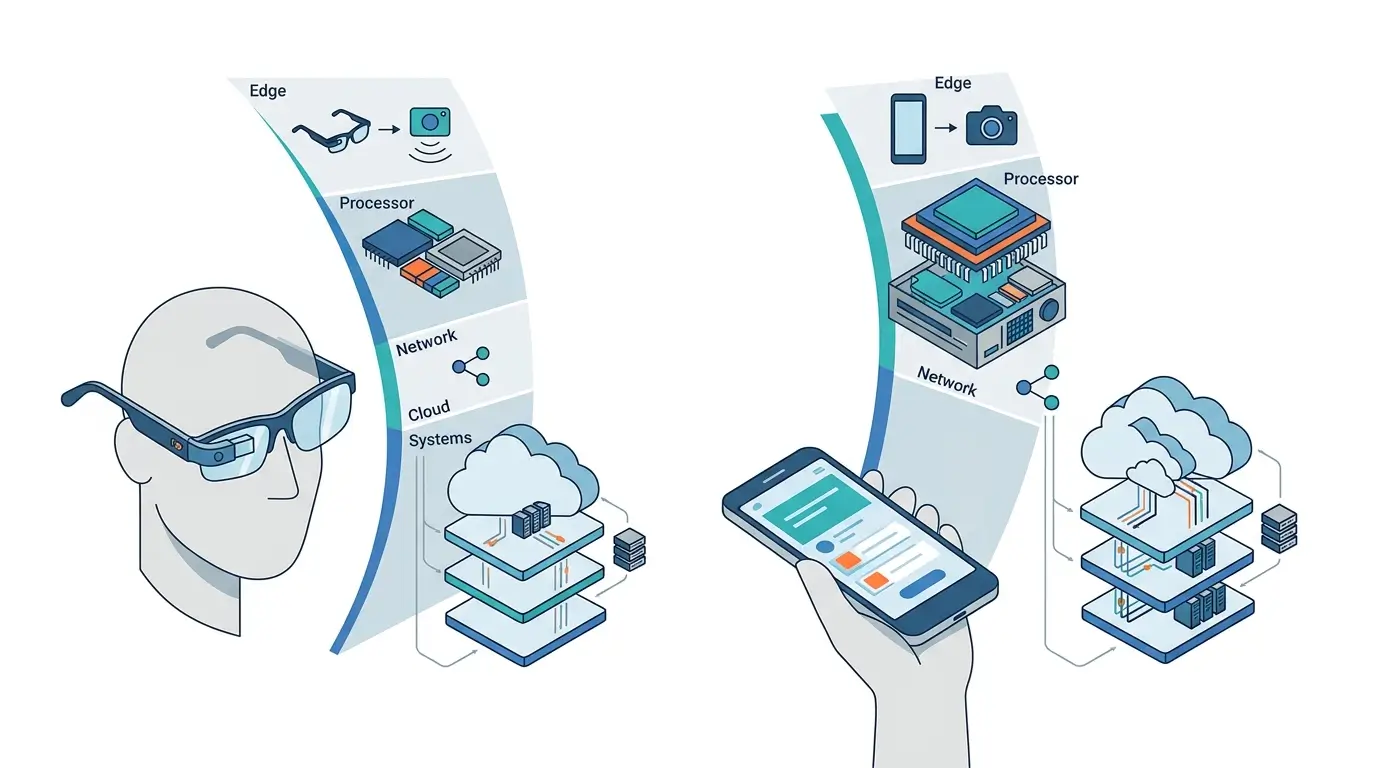
Modern phone AI mixes local models with secure cloud compute. The balance differs by vendor and even by feature:
- Apple Intelligence — Emphasizes on‑device processing where feasible and uses Private Cloud Compute for heavier requests. Apple documents that sensitive requests can be evaluated locally; when they require server‑class models, they’re routed to Apple‑controlled servers designed with hardware attestation and inspection by independent experts. See: Apple Intelligence and Apple Privacy.
- Google Pixel AI (Gemini) — Mixes Gemini Nano on‑device (for select tasks like Smart Reply in supported apps) with cloud models via Gemini for richer reasoning and long‑context tasks. See: Google’s Gemini overview and Google Safety Center.
- Samsung Galaxy AI — Combines on‑device features (e.g., live translation on supported phones) with cloud‑assisted tasks for generative editing and writing aids. See: Samsung Galaxy AI and Samsung Privacy.
Key takeaway: prioritizing on‑device tasks reduces data leaving your phone and often improves latency; cloud models handle heavier reasoning and longer inputs. Many features are hybrid.
Platform snapshots and where to confirm requirements
Flagship lines typically expose the latest AI features, but availability depends on OS version, chipset, region, and language. Before you buy, confirm on the official pages below:
- Apple iPhone with Apple Intelligence: supported device list and feature availability are published on Apple’s site. Start here: apple.com/apple-intelligence and the Apple Support site.
- Google Pixel with Gemini features: check Pixel feature availability, Recorder support, Call Screen, and language/region notes on the Pixel Help Center and Gemini.
- Samsung Galaxy with Galaxy AI: see the Galaxy AI hub for supported models, regions, and feature definitions: samsung.com/galaxy-ai and Samsung Notes for note/summary tools.
Tip: look for footnotes on each vendor page that specify “available in select countries/languages,” and confirm the OS version required.
What you’ll probably use weekly (and how the platforms handle it)
1) Writing and tone adjustment
- Apple: system‑level Writing Tools (rewrite, summarize, proofread) in apps that use the standard text system; heavier requests can invoke Private Cloud Compute.
- Google: Smart Reply and Help Me Write in supported apps; Gemini for structured prompts or longer drafts; some suggestions may run with Gemini Nano on supported Pixels.
- Samsung: Writing Assist across the keyboard and Samsung apps; tone/style options; may use on‑device or cloud depending on task and device.
2) Summaries of audio, meetings, and long text
- Apple: Voice Memos transcription and summaries on supported devices; Mail and Notes summaries where enabled.
- Google: Pixel Recorder offers on‑device transcription; summaries can leverage Gemini on supported models and languages.
- Samsung: Note/Transcript Assist in Samsung Notes/Voice Recorder on supported models.
Check language coverage and offline behavior in your region on vendor support pages.
3) Live translation
- Apple: Translate app and system features on supported languages; Apple Intelligence augments supported workflows.
- Google: Google Translate and Live Translate (Pixel) for on‑device or hybrid translation depending on feature and language.
- Samsung: Live Translate for calls and in‑person conversations on supported Galaxy devices; Interpreter mode for face‑to‑face use.
4) Smart/visual search
- Apple: Visual Look Up and on‑device search enhancements in Photos and system.
- Google: Circle to Search and Lens across apps and screenshots on supported devices.
- Samsung: Integrates Circle to Search (powered by Google on supported models) and Galaxy‑level context features.
5) Photo cleanup and edits
- Apple: Clean Up for removing small distractions; advanced edits in Photos.
- Google: Magic Eraser/Best Take/Photo Unblur on Pixels, with AI‑assisted edits.
- Samsung: Generative Edit, Object Eraser, and reflection removal on supported Galaxy devices.
For all three, heavier edits may use cloud processing; check per‑feature disclosures in the app.
Privacy and security at a glance
- Apple: Emphasizes on‑device processing and Private Cloud Compute when server models are needed; requests are designed to be non‑retained and verifiably run on Apple‑controlled infrastructure. See Apple Privacy.
- Google: Recorder and some suggestions run locally; cloud features use Google account data per your settings; review “Web & App Activity,” audio settings, and Gemini data controls. See Google Safety Center and AI Principles.
- Samsung: Offers on‑device options for specific features (e.g., call translation on supported models) and cloud‑assisted tools; review Galaxy AI settings, Samsung Account data, and privacy controls. See Samsung Privacy.
Advice: Regardless of platform, open Settings → Privacy/Security and review per‑feature toggles. Look for “process on device,” “send to server,” and “retain audio” language.
Costs, subscriptions, and fine print
- Apple: Core on‑device Intelligence features are included with supported devices and OS versions. Some cloud‑level requests may require network connectivity; Apple has not historically charged separately for system features. Always check current footnotes on Apple’s site.
- Google: Gemini (cloud) is available in free and paid tiers; advanced features may require a subscription (e.g., Google One AI Premium/Gemini Advanced). Pixel‑exclusive features (Recorder, Call Screen) don’t typically require extra fees. Confirm on Google’s pricing pages.
- Samsung: Galaxy AI features are bundled with supported devices and One UI versions. Samsung’s terms have included time‑bound notes in the past; consult the Galaxy AI page for current policies.
Note: Pricing, tiers, and “free period” language can change. Always verify on the live vendor pages linked above before purchase.
Buying advice by persona
1) Privacy‑first Apple user
You already use a Mac or iPad and prefer system features that feel native. Buy the latest iPhone model that Apple lists as fully supporting Apple Intelligence. In‑store test: open Mail/Notes and try system Writing Tools; ask Siri to summarize an email; confirm your language is supported.
2) Google Workspace power user
You live in Gmail/Docs/Calendar and use Drive/Meet. Choose the current Pixel Pro model in your region. In‑store test: install/update Gemini; try Recorder transcription and a summary; test Circle to Search on a screenshot; check Smart Reply in Messages/Chat.
3) Frequent traveler or multilingual communicator
You need dependable voice and call translation. Choose a current Galaxy flagship with Galaxy AI or a Pixel that lists Live Translate in your language. In‑store test: try a bilingual conversation in Interpreter/Live Translate; place a quick Wi‑Fi call to check latency and clarity.
4) Creator who edits on phone
You regularly fix photos and short clips. Any of the three can work; pick the platform you prefer for gallery apps. In‑store test: remove a passerby from a photo; clean a reflection; compare realism and edit speed.
Hardware still matters (but not the way TOPS marketing implies)
AI smoothness depends on more than an NPU headline:
- OS and app optimization
- RAM headroom (for running models and multitasking)
- Thermals (sustained performance without throttling)
- Storage speed and memory bandwidth
- Model efficiency (smaller/faster on‑device variants)
Two phones with similar TOPS can feel different in real use. Prioritize how quickly your common tasks complete and whether they work offline when you need them.
Mid‑range reality check
You don’t need a top‑tier flagship to get useful AI. Recent mid‑range phones in each ecosystem often include:
- On‑device transcription and basic summaries
- Circle to Search / visual lookup
- Object eraser–class photo cleanup
The trade‑offs: slower processing for heavy edits, fewer on‑device model features, and shorter software support windows. Before buying a mid‑range device, confirm feature availability for your region and language on the vendor pages linked above.
Accessibility callouts
AI features amplify built‑in accessibility:
- Apple: Live Captions, Voice Control, Personal Voice, Sound Recognition — see Apple Accessibility.
- Google/Android: Live Caption, Lookout, TalkBack, and Recorder accessibility — see Android Accessibility.
- Samsung: TalkBack integration, Live Caption, and Galaxy accessibility features — see Samsung Accessibility.
Tip: If accented speech matters, test speech‑to‑text in‑store with your accent and typical environment noise.
Limitations to keep in mind
- Region/language locks: Many AI features roll out to English and a subset of markets first; some never reach all locales.
- Connectivity: Cloud‑assisted tasks need a reliable connection; offline behavior varies by feature.
- Battery impact: Long transcripts or generative edits can warm the device and drain faster.
- Data handling: Review app notices about sending audio/images to servers and retention.
What to test before you buy (5‑minute checklist)
- Open the system Notes/Recorder app; record 60 seconds; generate a transcript + summary. Check accuracy and speed.
- Take or load a busy photo; try object removal. Inspect edges and realism.
- Try Circle to Search/Visual Look Up on a screenshot of some product specs or a landmark.
- Compose a short email; use Writing/Tone tools to formalize or shorten.
- Test Live Translate/Interpreter with a bilingual friend or staff member in a supported language.
FAQ
Which phone has the “best” AI features?
No single winner. Apple is strongest if you value privacy and tight integration; Google’s Pixel is excellent for productivity; Samsung offers the widest feature variety and strong translation tools. Match the platform to your workflow.
Do these AI features work offline?
Some do. On‑device tools (e.g., transcription on supported devices) often work offline. Cloud‑level summaries, heavy generative edits, and long‑context chat typically need a network connection. See the vendor links above for per‑feature behavior.
Are there extra fees?
Core, on‑device features are generally included. Cloud assistants may offer paid tiers—e.g., Google’s Gemini Advanced via Google One AI Premium. Always check current pricing and footnotes on the vendor sites.
Will mid‑range phones get these features?
Yes, a subset. Expect slower performance and a shorter list of on‑device models. Confirm on the vendor’s model‑specific support pages before buying.
Is my language supported?
Language and region support changes frequently. Check the official availability pages: Apple Support, Pixel Help Center, and Samsung Galaxy AI.
Bottom line
Don’t chase the longest feature list. Choose the AI phone that improves your everyday: Apple if you prioritize privacy and live in its ecosystem; Pixel if you want practical, productivity‑first helpers tied to Google services; Samsung if you want a deep toolbox with strong translation and creative edits. Confirm model, OS, region, and language on the official pages before you click buy.